How to contact us:

Telephone: +49 (0)89 255 553-650

Support hotline:
+49 (0)89 255 553-675
Support login

E-mail:

E-mail:


Use our callback service

Our Showroom for KIT – the Smart Extension for Clarity PPM

KIT consists of three components: smartASSIST, smartREPORTING, and smartINTEGRATOR.  
KIT can be used like a modular system. In just a few simple steps, you can implement adaptive menus, flexible workflows, parameter-driven reports, stable interfaces, and integration with other IT systems. KIT expands the range of applications, boosts user satisfaction, and thereby significantly increases the value of Clarity PPM. 
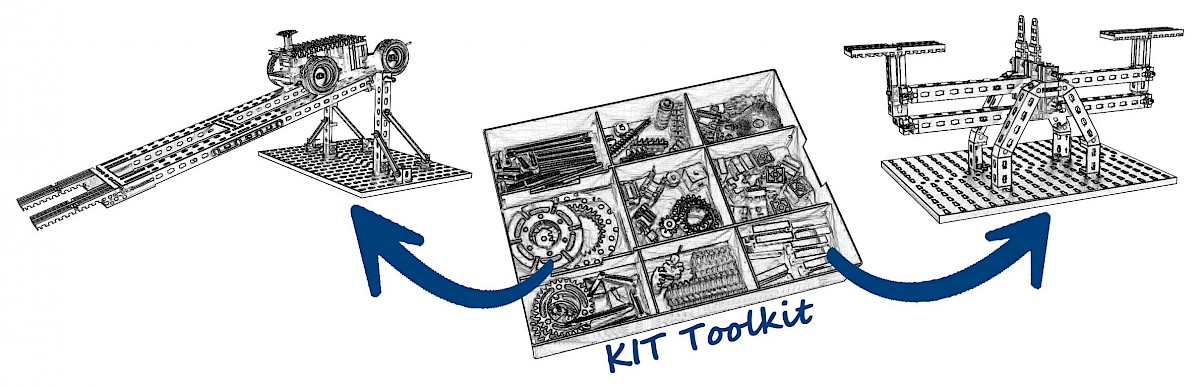
Since KIT isn’t all that easy to explain in just a few sentences, the following examples are intended to provide insight into KIT’s application and configuration options. They’re also meant to inspire ideas on how you can expand and optimize your Clarity PPM solution with KIT. 

We hope you find this “tour” both interesting and enjoyable! 

Your KIT Team at Contec-X 

P.S.: And if your specific use case isn't listed here, please contact us. We'll show you—with no obligation—how KIT can meet your needs.  

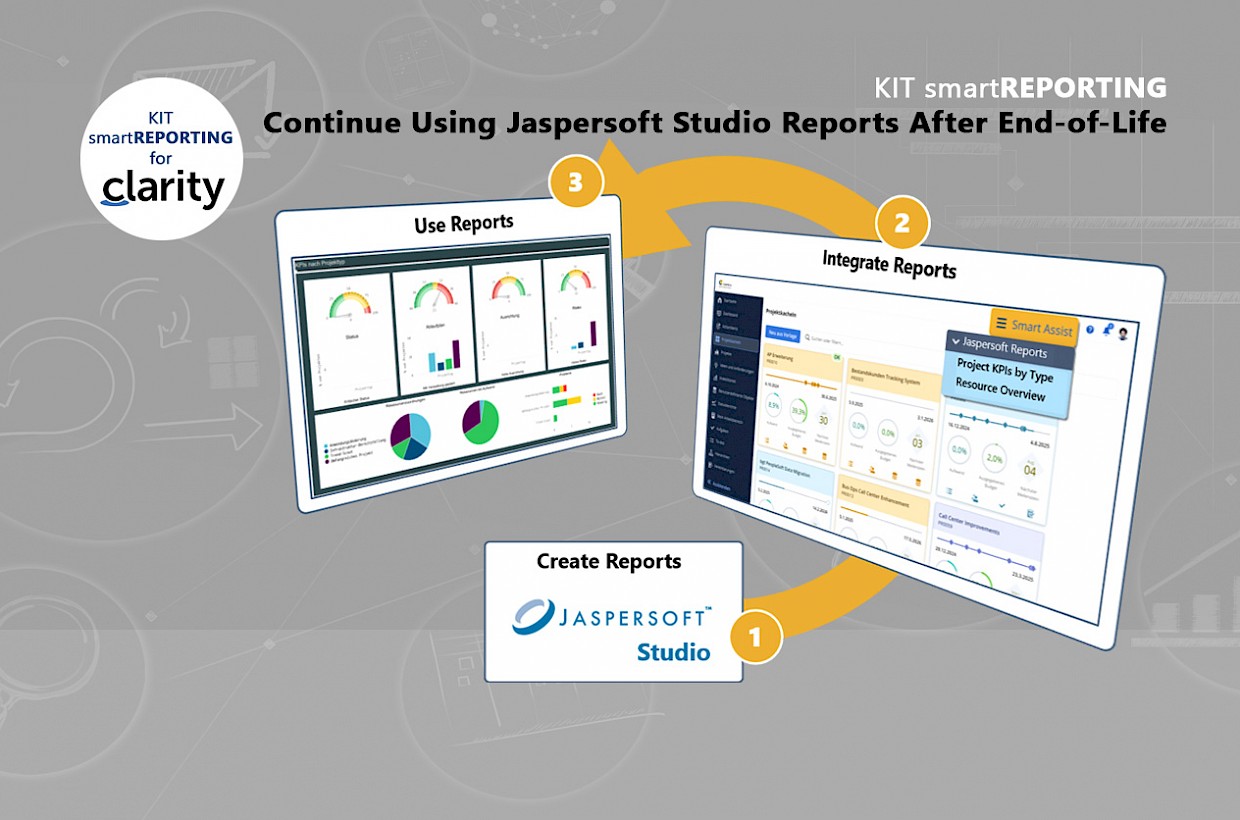
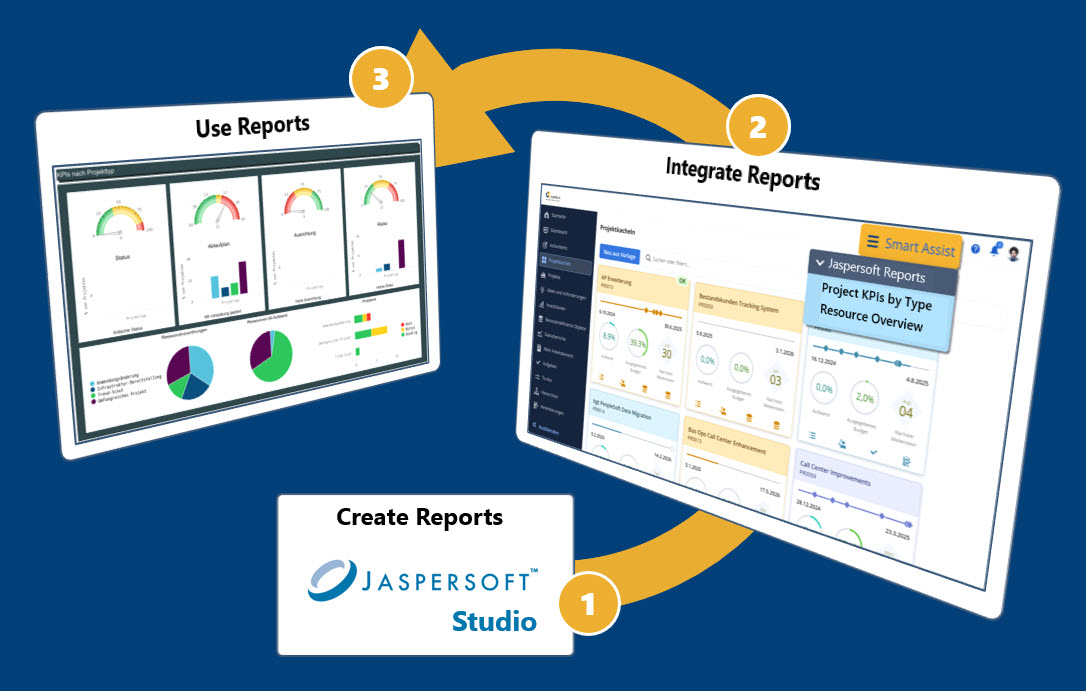
Continue Using Jaspersoft Studio Reports Even After End-of-Life

Continue to provide your users with the tried-and-true Studio reports. Everything is integrated into Clarity PPM! With minimal migration costs.


Click on the image to enlarge it.
  • Have you invested a lot of time and money in Jaspersoft reports for Clarity and want to continue using them?
  • Are you looking to implement Clarity in your company and need a seamlessly integrated, cost-effective reporting solution for "pixel-perfect" reports?
  • Are you using Clarity in the Classic UI and unable to take advantage of the new reporting and dashboarding features in MUX

KIT smartREPORTING seamlessly integrates Jaspersoft reports into the Clarity user interface and enables you to create and customize perfectly aligned and formatted reports using Jaspersoft Studio.

Important to know: All required Jaspersoft licenses are already included in KIT smartREPORTING. You do not need separate licensing for Jaspersoft.

We continuously update KIT to ensure it is compatible with and tested for new versions of Clarity.

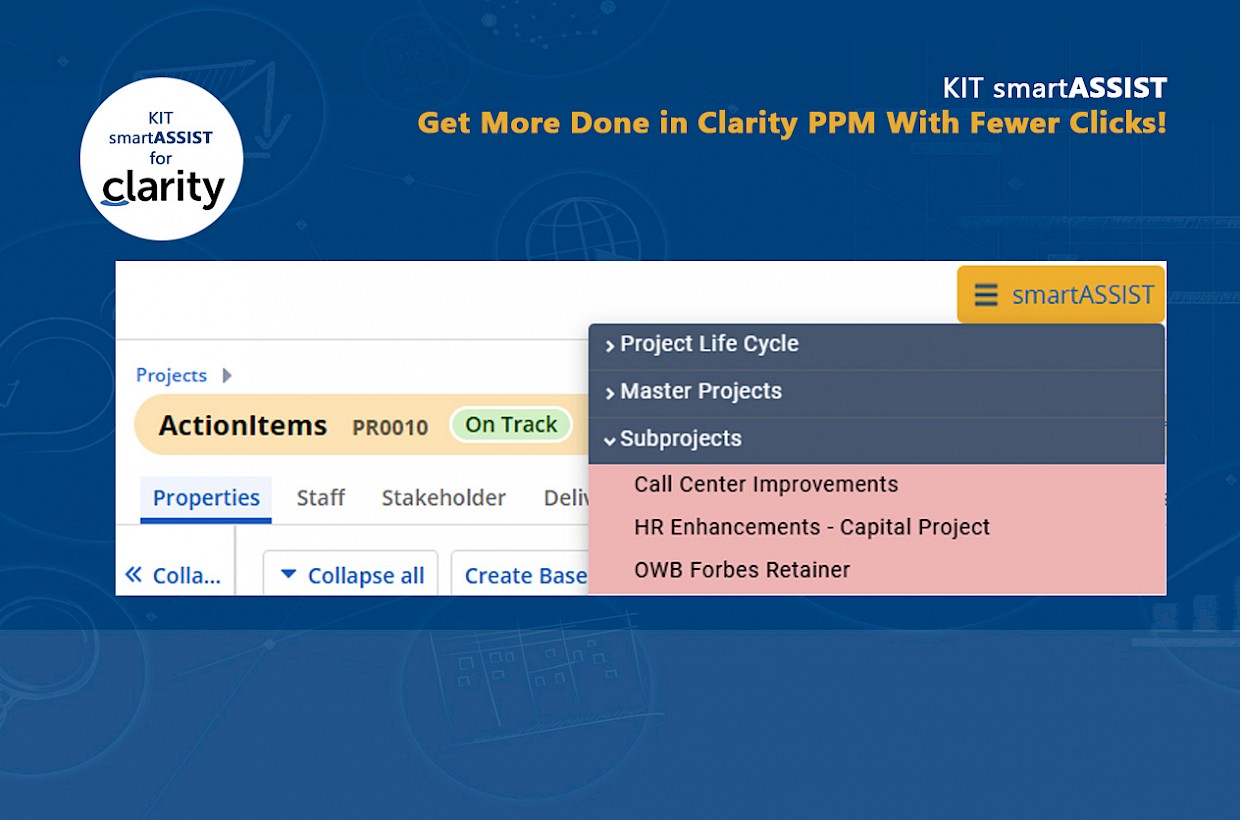
Get more done in Clarity PPM with fewer clicks!

Significantly improve the user-friendliness of your Clarity PPM solution! With the smartASSIST Action Menu.


Click on the image to enlarge it.

It’s often the small, everyday annoyances in software that make it unnecessarily difficult for every user to use. This includes, for example, how many clicks it takes to access the desired information. 

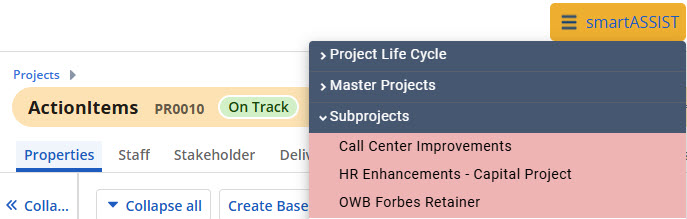
With KIT smartASSIST, you can offer your Clarity PPM users a centralized, dynamic, and intelligent menu.

  • Centralized, because it’s available in the same location on any page in Clarity PPM.
  • Dynamic, because it can adapt to a user’s specific role through display rules and security settings.
  • Intelligent, because the menu can not only display static content but, through configurable rules, can also determine, for example, whether a project was created from an idea, whether subprojects exist, or in which programs or roadmaps a project is included. In these cases, the menu automatically provides links.

Below are a few examples that show just how much easier it is to use Clarity PPM: 

  • Navigating from a project to the original idea and back
  • Navigating from a main project to a subproject and back
  • Opening the portfolio that contains the project or idea
  • Switching between the hierarchy and custom investment objects (e.g., strategies, objectives, key results)
  • opening a dashboard or report directly in the detail view of projects, demands, resources, etc.
  • and much more


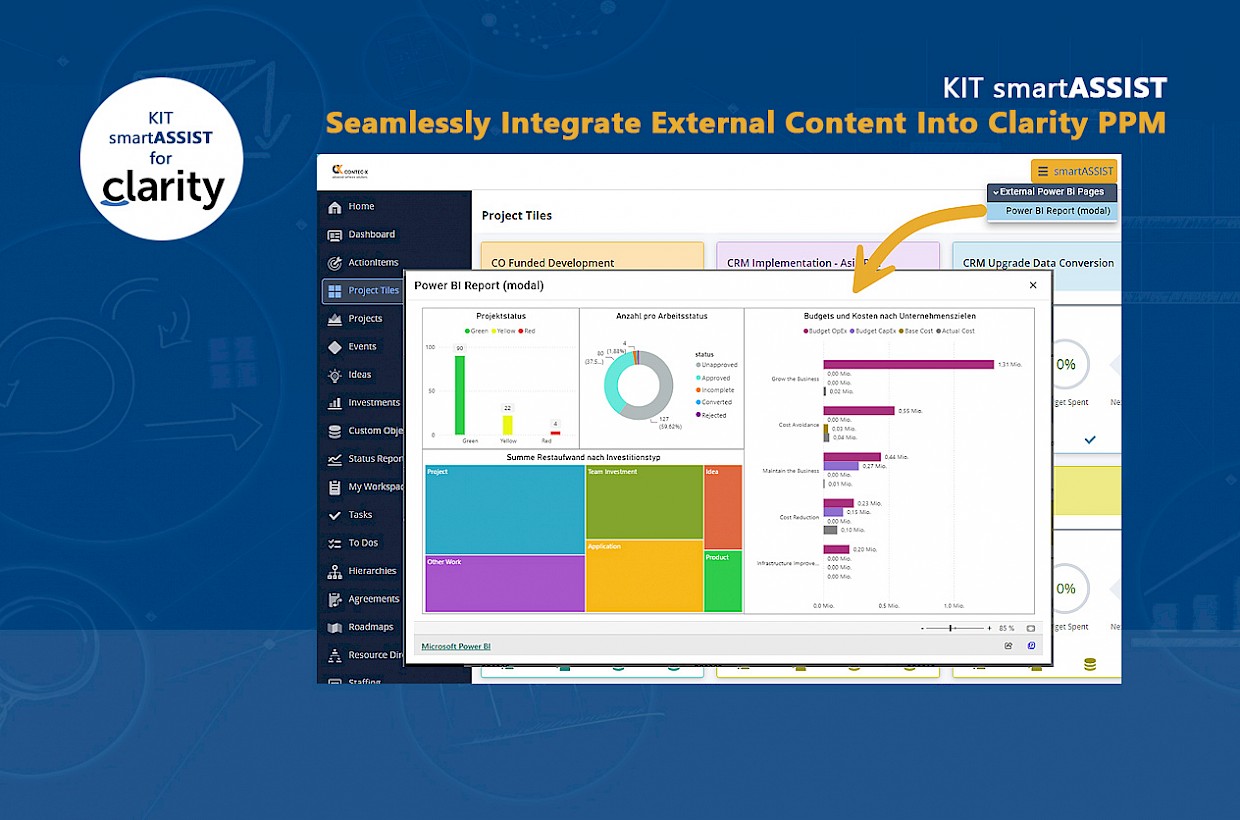
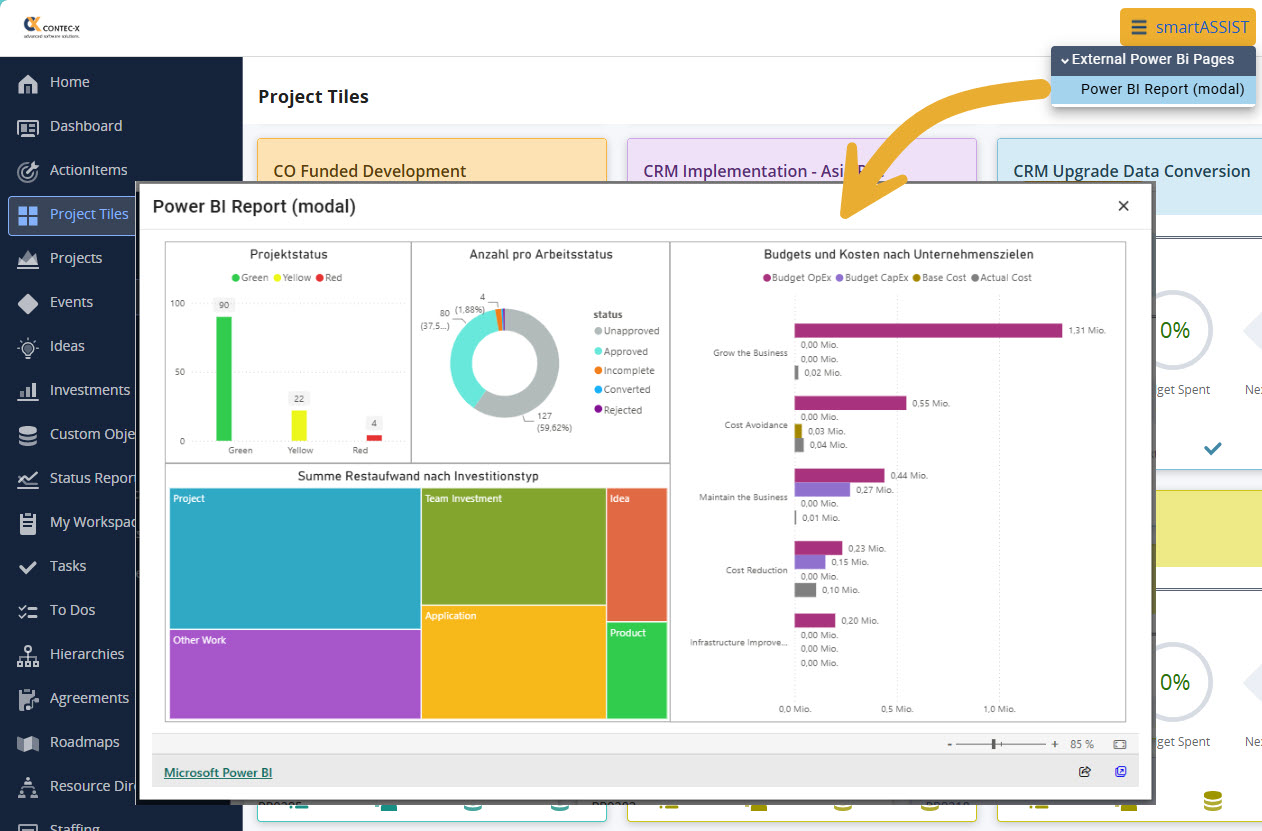
Seamlessly integrate external content into Clarity PPM

Provide Clarity PPM users with the information they need, right where they need it.


Click on the image to enlarge it.

In reporting in particular, it is often necessary to integrate external dashboards—such as those from Power BI, Tableau, etc.

The standard version of Clarity PPM offers limited options for this. Often, companies’ requirements cannot be met because, for example, the controlled transfer of various contextual details (e.g., logged-in user, selected language, currently open project, etc.) is not possible or only possible to a limited extent.

Easily done with KIT smartASSIST!

Optimally Support Workflows in Clarity PPM

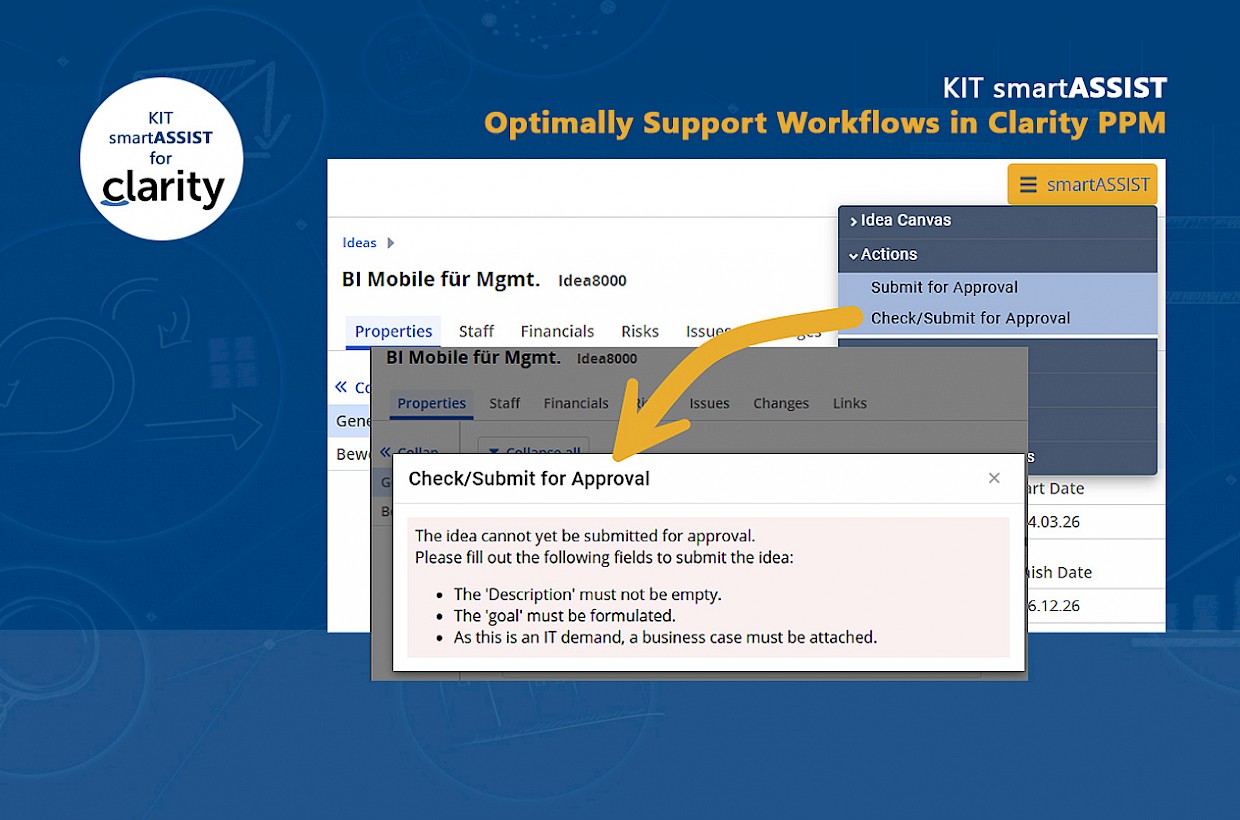
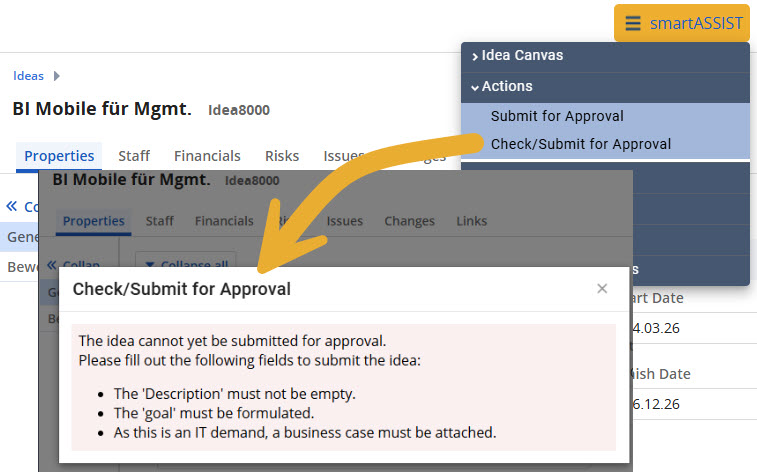
Check, on a case-by-case basis and based on rules, whether and when workflows can be started in Clarity PPM.


Click on the image to enlarge it.

A commonly used workflow involves capturing ideas, converting them into project proposals, obtaining approval for those proposals, and ultimately launching a new project. Ideas and proposals can usually be formulated freely and should include only a few required fields.

The workflow is designed to ensure that all information and data required for each process step are available. This is often further complicated by the fact that it also depends on the project type (e.g., IT project, HR project, etc.) or other data fields (e.g., urgency, etc.).

KIT smartASSIST makes this task significantly easier than the Clarity Standard!

With KIT smartASSIST, you can define validation rules and start conditions for each process to ensure that all necessary information is available for every step in the workflow.

You can configure this and much more:

  • Which users or user groups are authorized to start a process?
  • At what point in time or at what status of an idea, project, etc., can the process be started?
  • Which fields must be filled out before the process can be started?
  • For which type (e.g., IT project, HR project, etc.), which fields must be filled out?

If certain conditions are not met, detailed messages and descriptions can be displayed that clearly and comprehensibly explain to the user what needs to be done to start the process.

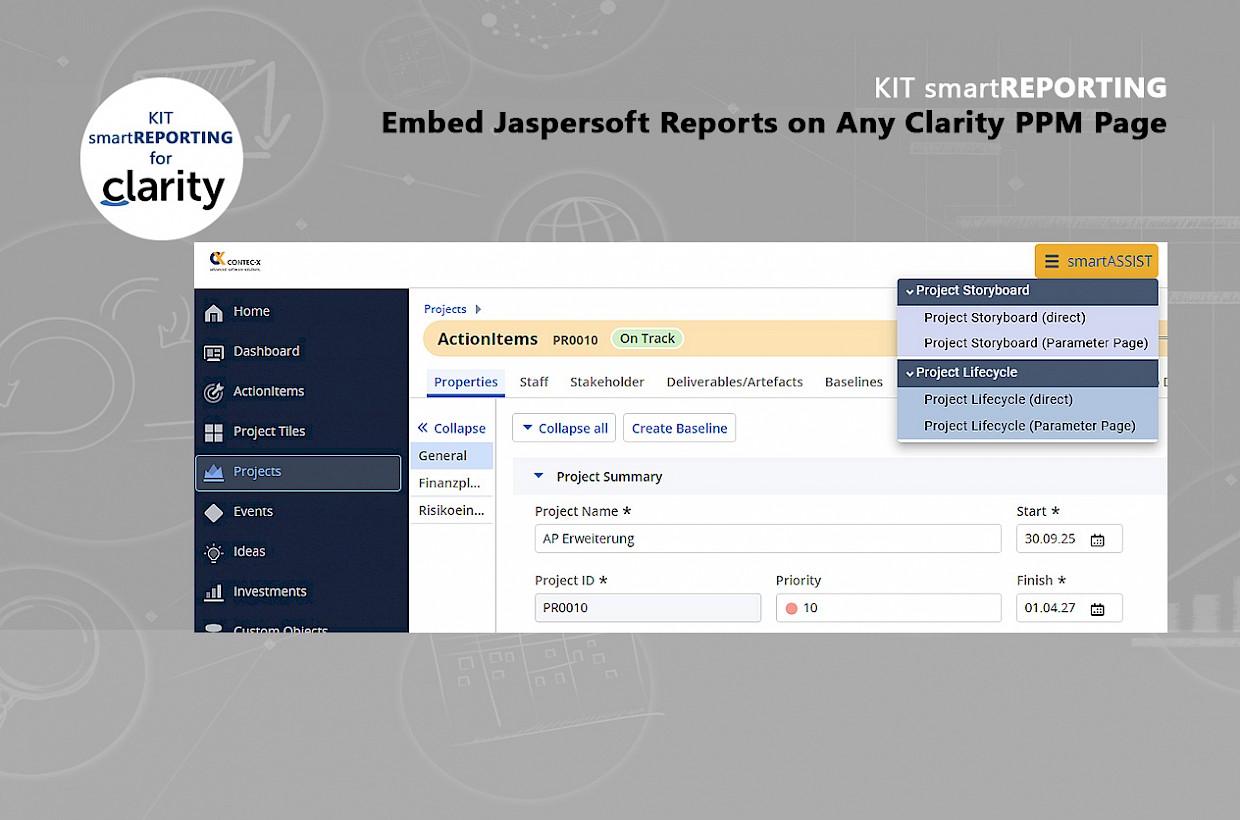
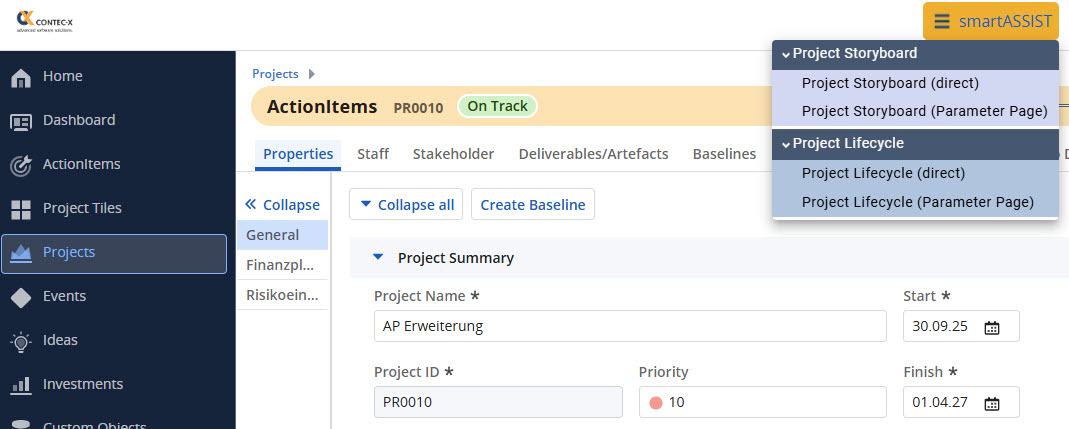
Embed Jaspersoft reports on any Clarity page

Make reports available to your Clarity PPM users exactly where they want and need them!


Click on the image to enlarge it.

Reporting is a key issue for every company, the PMO, and everyone involved in projects.

The best reports are only helpful if they are available in the right place and in a simple format.

You can achieve this with KIT smartREPORTING!

  • Displaying a report in an action menu on any Clarity PPM page
  • Organizing multiple parameters into sections
  • Customizing access rights for users/user groups
  • Setting display conditions (e.g., final report only for projects with the status "Completed")
  • Formatting menu items (font style, background color, etc.)
  • and much more!

This is what true user-friendliness looks like!


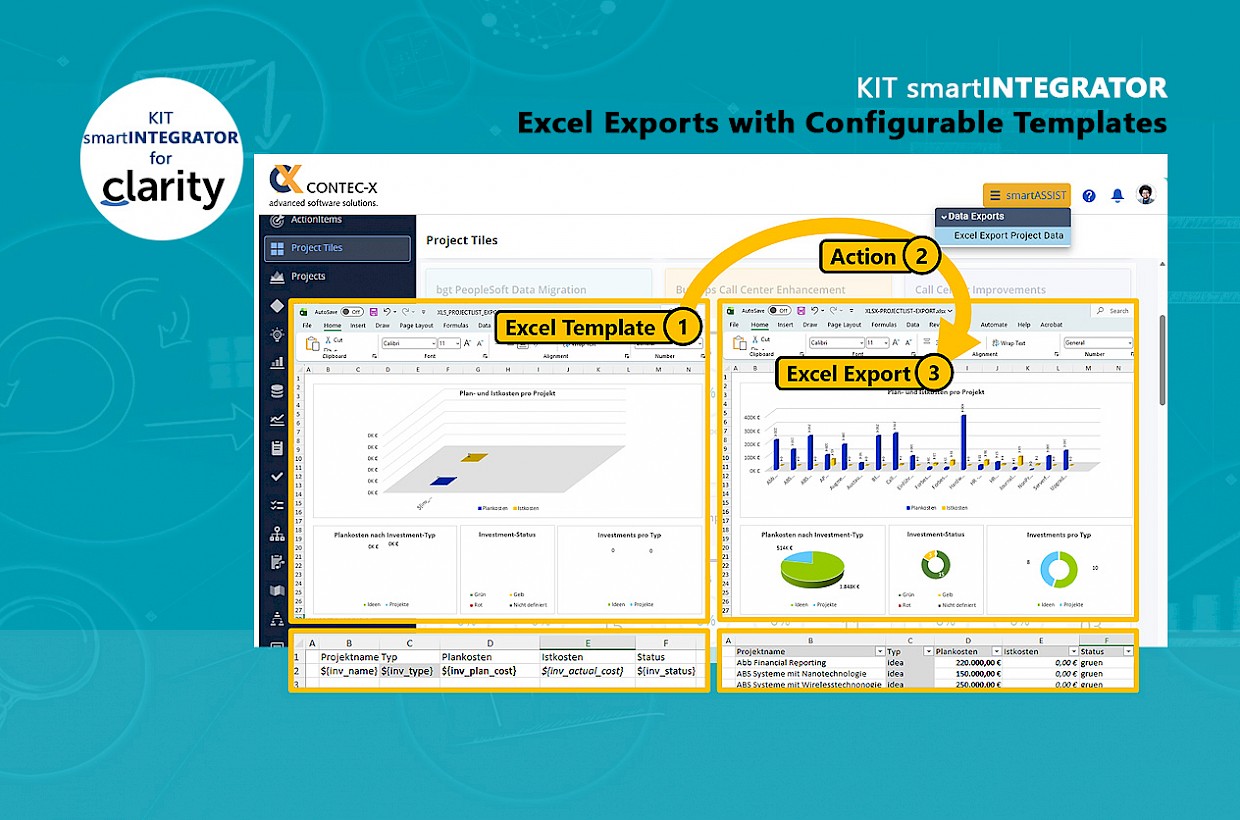
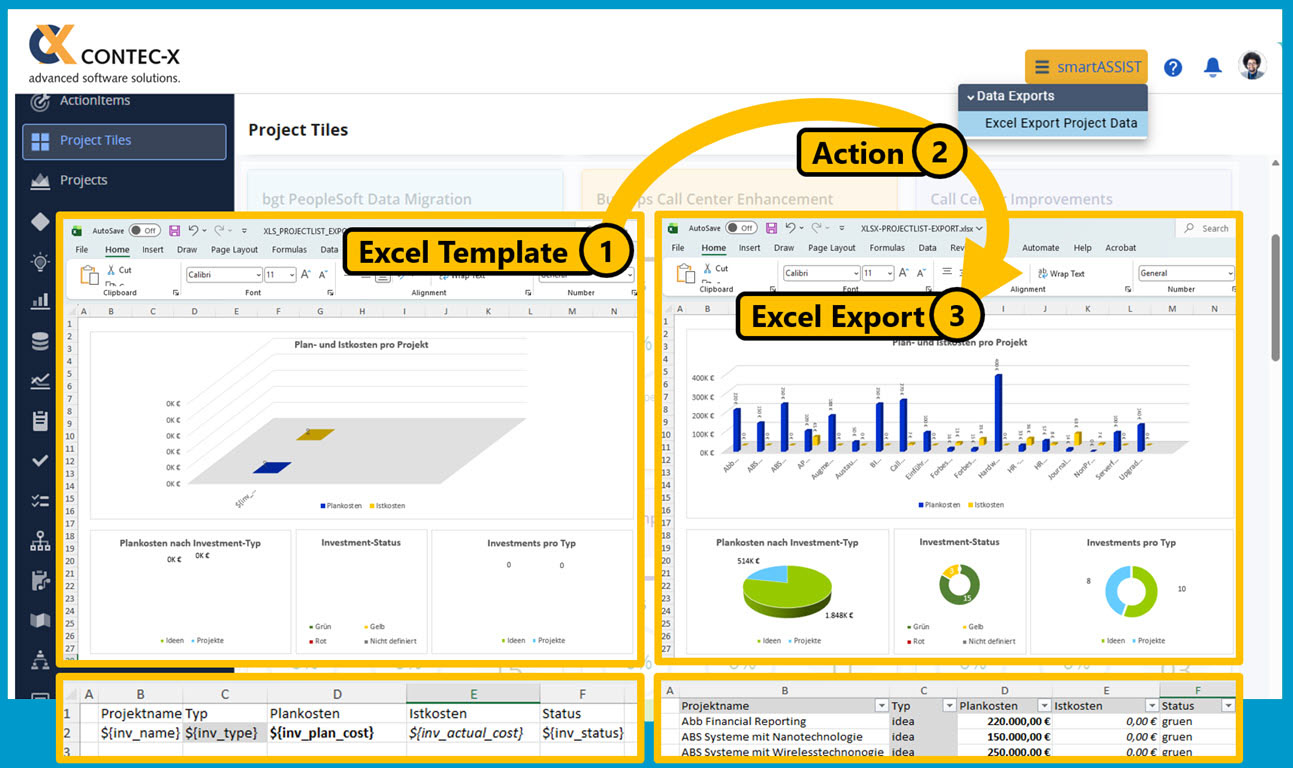
Excel Export with Configurable Templates

Give your users the ability to create flexible reports based on Excel!


Click on the image to enlarge it.

Reporting requirements are as unique as the projects themselves. Certain reports (e.g., a project status report) are standardized and must be submitted in a specified format.

However, every project also has its own unique reporting needs. Especially in Controlling or the PMO, new questions constantly arise that need to be answered on the spot. It would be ideal if the data could be exported to Excel and processed flexibly there.

With KIT smartINTEGRATOR, you can configure any Excel exports and make them available for users to download from a page in Clarity PPM via a menu. The best part is that you can design Excel templates on your own and include placeholders that are replaced with live data from Clarity PPM when the file is downloaded.


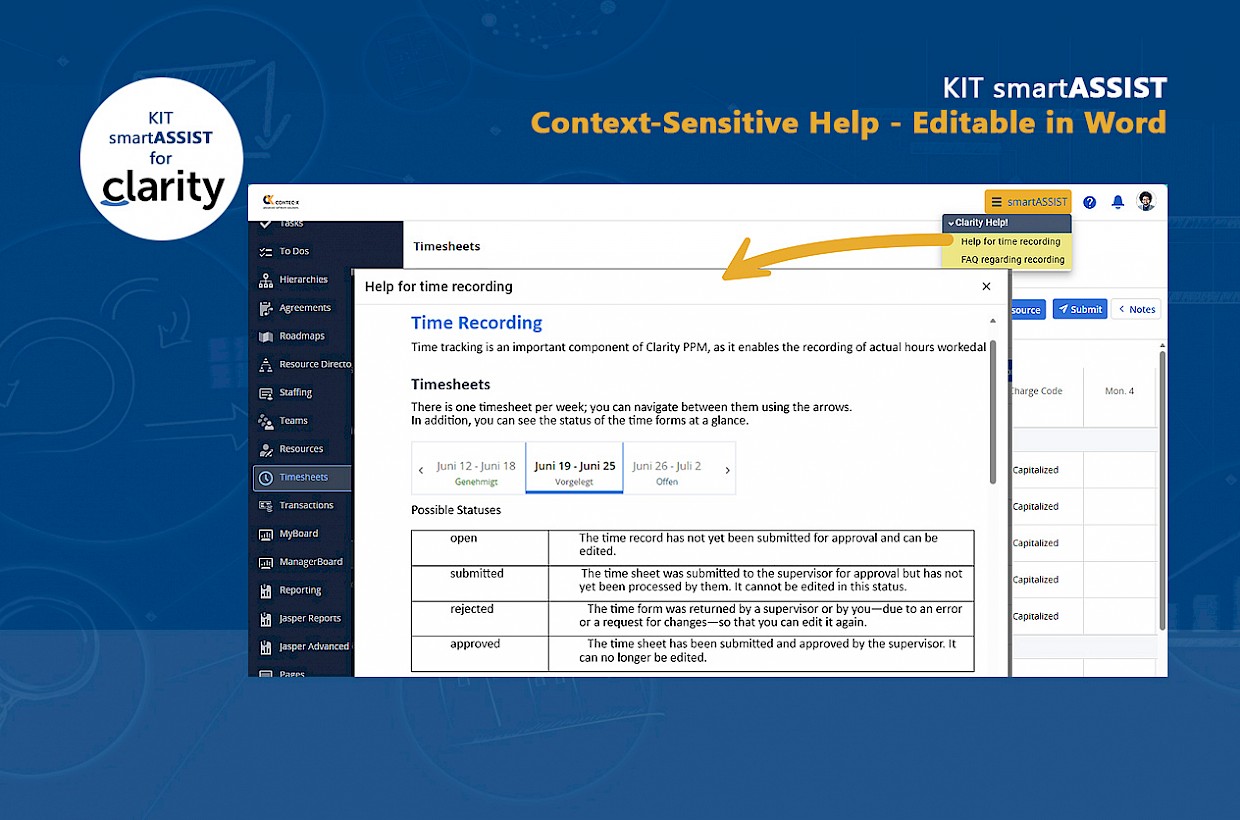
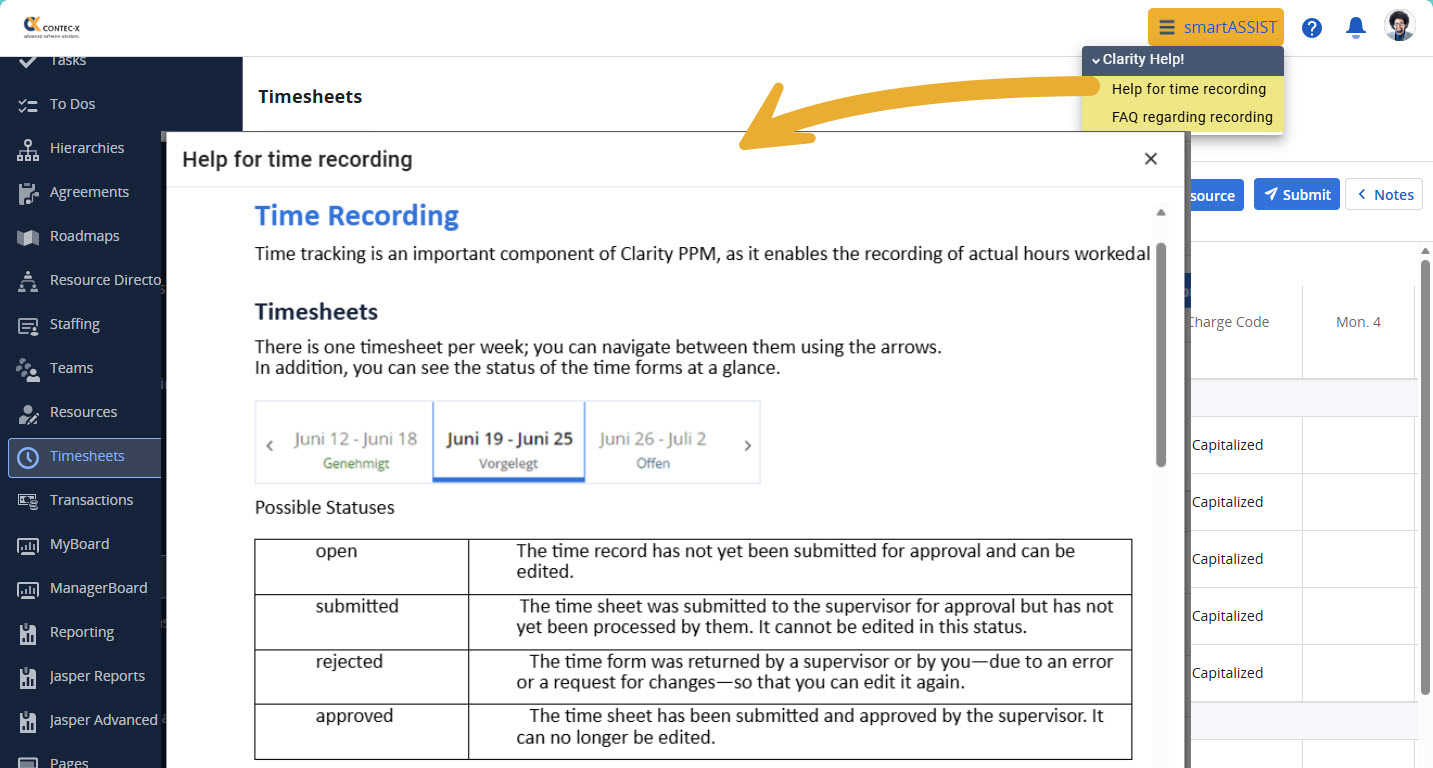
Configurable and Context-Sensitive Help Feature for Clarity PPM

Support Clarity PPM users with a tailored and easily customizable help feature.


Click on the image to enlarge it.

Even the best software solution can only deliver its full value if users receive the right support at all times.

Ultimately, user-friendliness is also defined by the type of support users receive through the help function.

The help function should be available to every user at any point, always in the context of the respective process and tailored to the company’s specific needs.

It should be possible to edit and expand help texts at any time without any programming knowledge.

The help feature in KIT smartASSIST offers you these and many other options:

  •     Configuration of help menus on any page in Clarity PPM
  •     Definition of access rights for users/groups for each menu item
  •     Easy creation and editing of help content using Microsoft Word
  •     Creation of content for any language version
  •     and much more

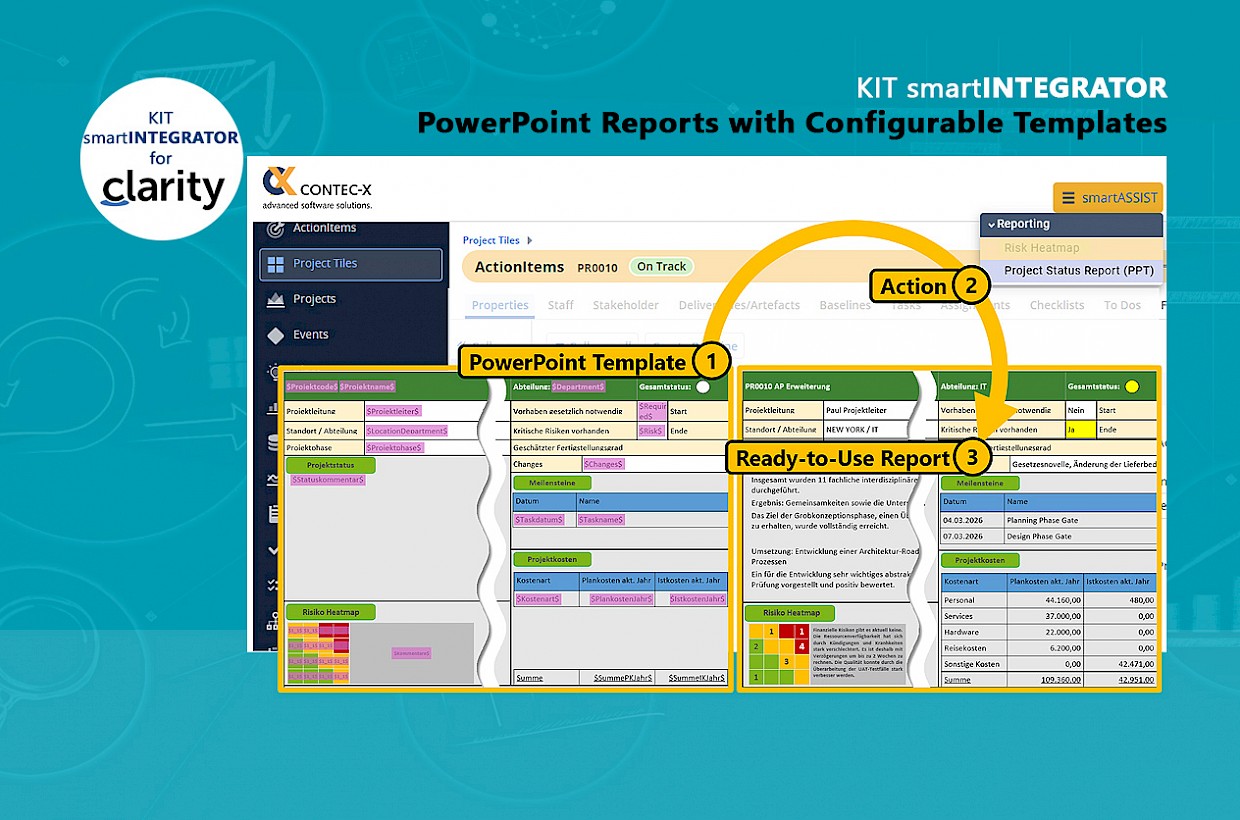
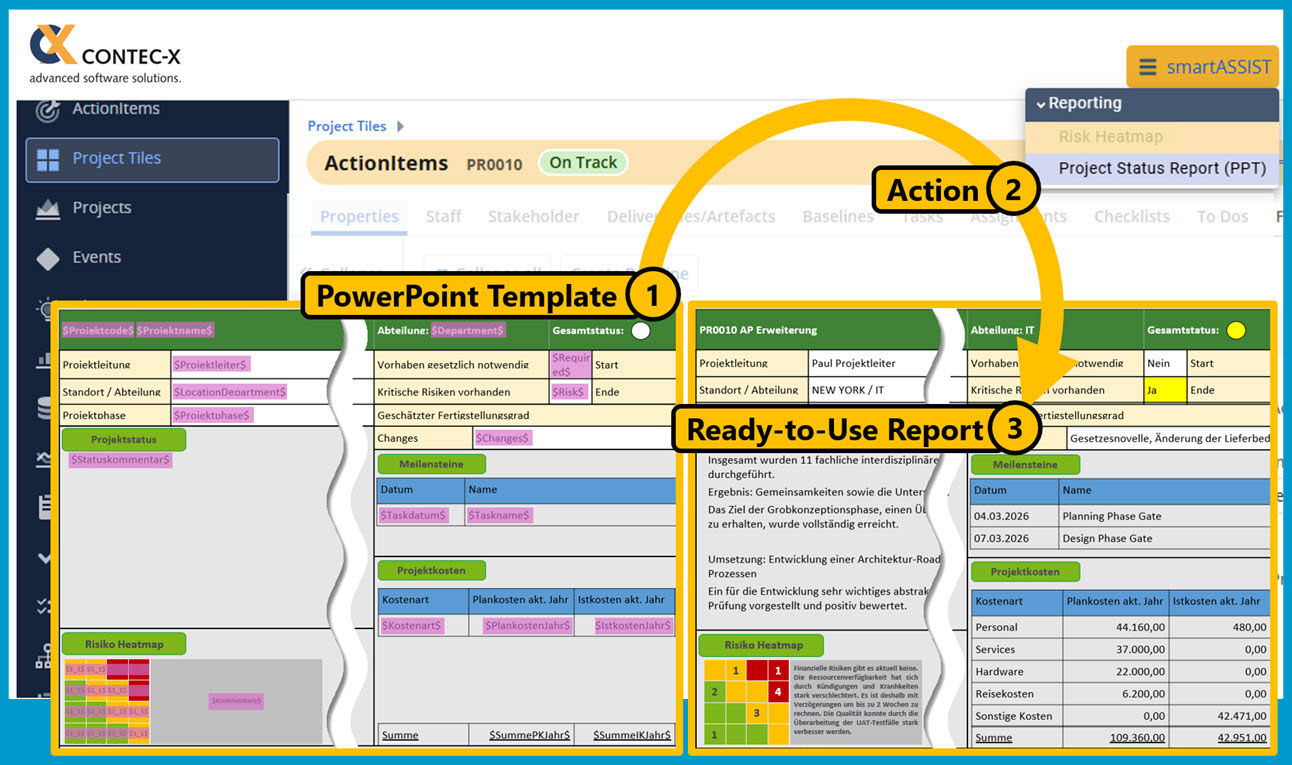
PowerPoint Bericht mit konfigurierbaren Templates

Stellen Sie ihren Benutzern die langersehnten PowerPoint Berichte zur Verfügung und konfigurieren Sie die Vorlagen dafür selbst!


Click on the image to enlarge it.

Das Berichtswesen ist sehr vielschichtig und wird von Unternehmen ganz unterschiedlich umgesetzt. Viele Organisationen wünschen sich ein zentrales und einheitliches Berichtswesen aus Clarity PPM, jedoch mit der Flexibilität nach Erstellung des Berichts noch kleine Optimierungen oder Änderungen am Layout oder an den Daten vornehmen zu können. Gefordert wird in diesem Szenario häufig das PowerPoint Format.

Mit dem KIT smartINTEGRATOR können in PowerPoint beliebige Berichtsvorlagen erstellt und mit Platzhaltern versehen werden. Die Platzhalter werden bei Erzeugung des Berichts durch in KIT konfigurierte Regeln und Abfragen mit den Echtdaten aus Clarity PPM ersetzt.

Das und mehr können Sie in KIT smartINTEGRATOR für PowerPoint Berichte konfigurieren:

  • Erstellung von Berichtsvorlagen in PowerPoint inkl. Platzhalter
  • Konfiguration von Menüs zum Aufruf der Berichte auf beliebigen Seiten in Clarity PPM
  • Konfiguration von Regeln und Abfragen zur Befüllung der Platzhalter in der PowerPoint Vorlage
  • Erstellung dynamischer Platzhalter (z.B. Liste von Risiken oder Meilensteinen)
  • Konfiguration von Regeln zur dynamischen Anzeige von Bildern (z.B. Statusampel)
  • Festlegung, welche Benutzer/Gruppen welche Berichte nutzen dürfen.
  • Erstellung von Regeln für die Anzeige der Berichte (z.B. nur für laufende Projekte oder Projekte im Bereich IT)
  • u.v.m.

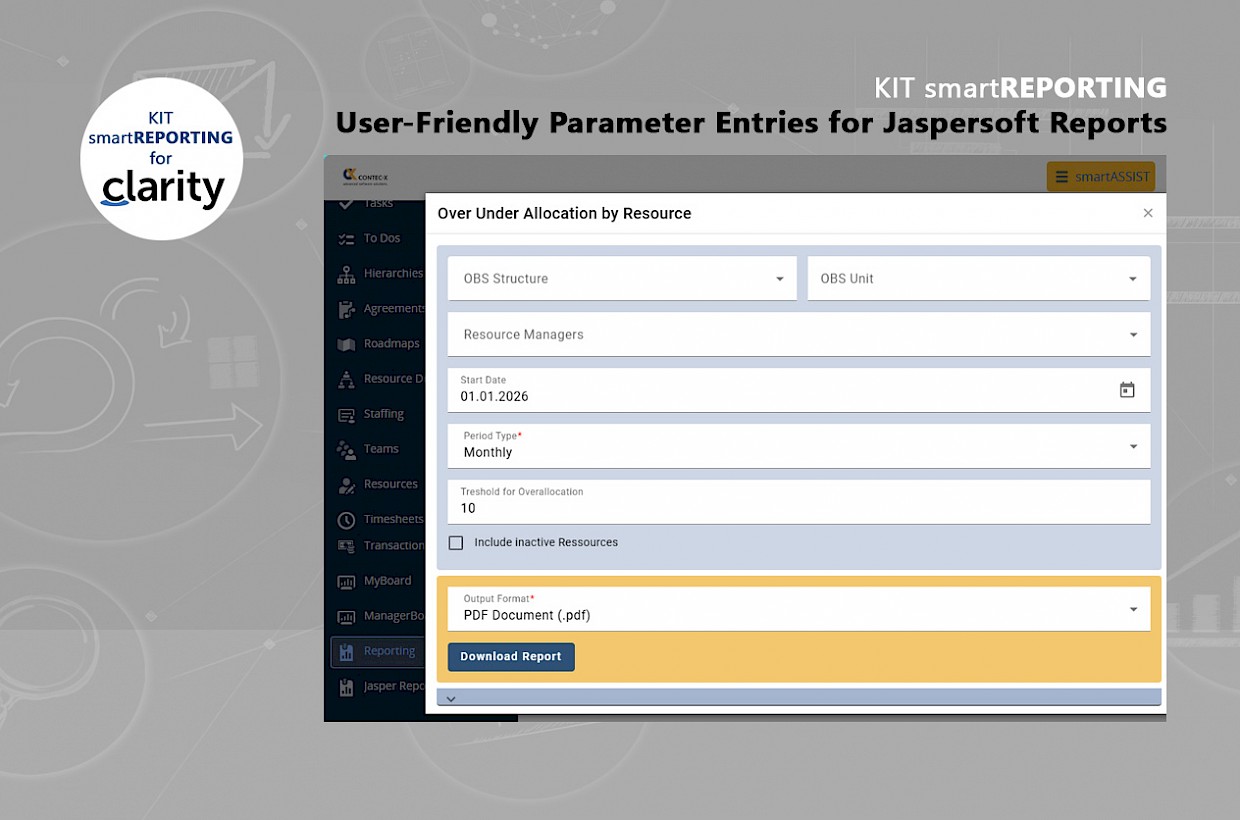
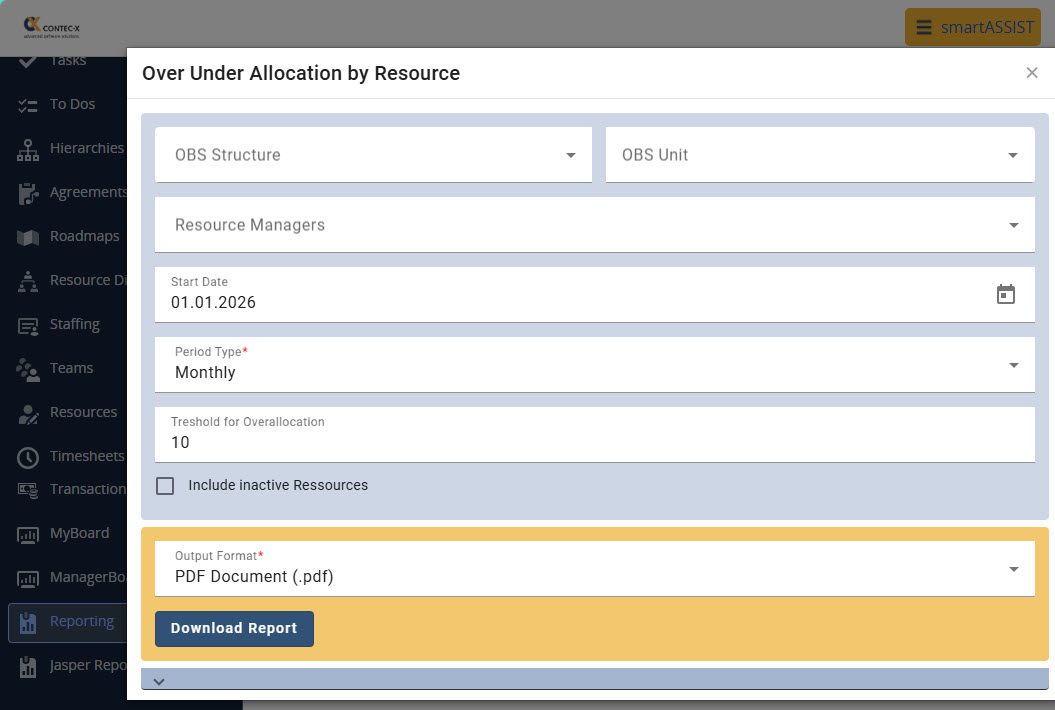
User-friendly and configurable definition and entry of report parameters

Provide your Clarity PPM users with the best possible support when entering the required report parameters


Click on the image to enlarge it.

With many reports, users mandatory or optionally enter several parameters (e.g., project types, status, etc.) before running the report. In addition, parameter entries may also be interdependent. All of this can be very confusing for a user—and can also lead to frustration—if it’s not entirely clear which entries need to be made to generate the desired reports.

With KIT smartREPORTING, you have all these options!

  • Provision of all desired parameters (text, date, single/multiple selection, checkbox, button...)
  • Configuration of field properties (read-only, required field, hidden field, etc.)
  • Definition of the data source for single/multiple selection (static list or dynamic query)
  • Configuration of dependent fields (e.g., a drop-down menu displays values based on the selection made in another drop-down menu)
  • Field placement/layout (horizontal, vertical)
  • Grouping fields into sections (expandable/collapsible)
  • Formatting sections/fields (color, borders, background, etc.)
  • and much more ...


Konnten wir Ihr Interesse wecken? Wir sprechen gerne ganz unverbindlich mit Ihnen über die Einsatzmöglichkeiten von KIT in Ihrer Clarity PPM Lösung. Schreiben Sie uns eine kurze Nachricht und wir melden uns umgehend!

Thomas Maierhofer Thomas Maierhofer

+49 (0)89 255 553-650 +49 (0)89 255 553-650

Contec-X respects your privacy and personal sphere and therefore takes data protection very seriously. We guarantee that we will only use this data to contact you and will not store it. We do not pass on this data to third parties.

Contact person